















Engineering
-
Replace .NET performance counters by CLR event tracing
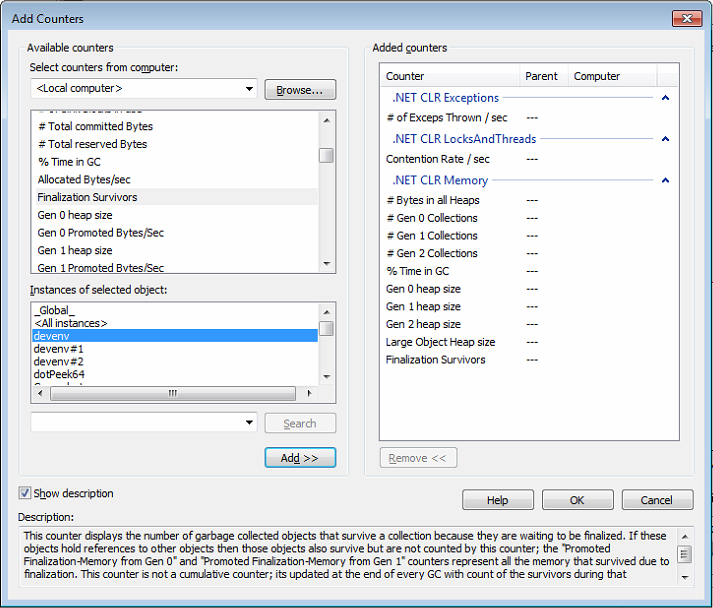
This post of our new series shows why performance counters might not be the best solution to monitor your .NET application and why the CLR events will definitively be a better solution. Introduction At Criteo, each .NET application provides custom metrics to monitor deviation and trigger alerts. This is the first line of defense against misbehaviors. The…
-

Making Criteo Functional
Criteo uses a lot of Scala in its code-base. This originally started by experimentations with big data jobs and data science scripts, but quickly it became evident that Scala would be very useful for application development too. At the beginning, like in most companies, it was first used as a “shorter Java”. But eventually, as…
-
Extending the new WinDbg, Part 3 — Embedding a C# interpreter
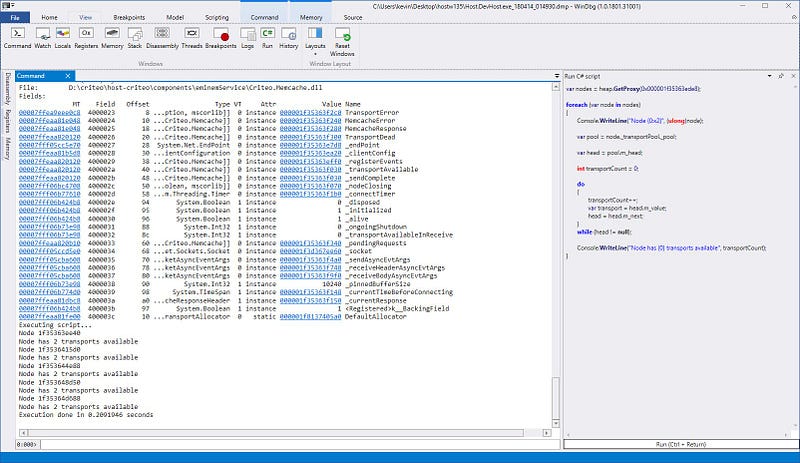
In part 1 and part 2, we’ve seen in detail how to customize the WinDBG UI as we see fit. This time, we’ll apply this knowledge to cover a very specific use-case: running C# code as script directly inside of WinDBG. Why would you want to do that? If like us you often use ClrMD during…
-
Performance Counters Hell
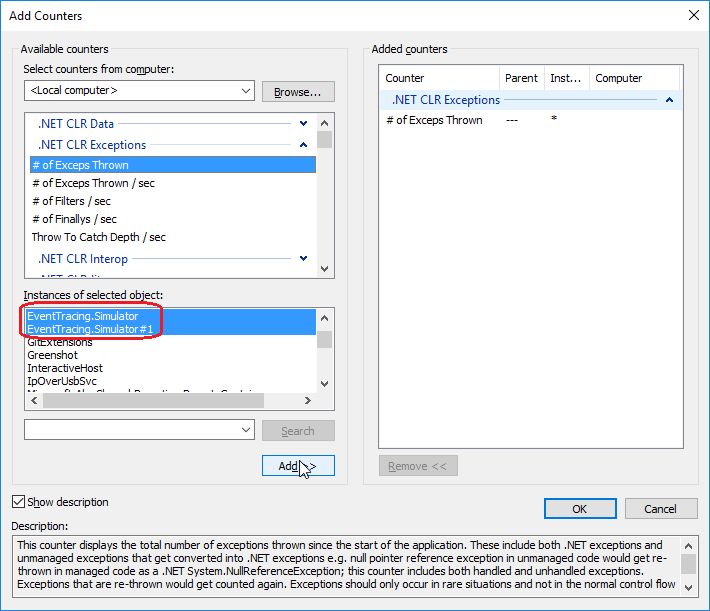
On Windows, performance counters are the building blocks of most monitoring dashboards. When you need to corelate one counter with another counter, what could possibly go wrong? Let’s take an example: you have two instances of an application running such as two worker processes w3wp.exe spawned by IIS to run your application and you need to…
-
Extending the new WinDbg, Part 2 — Tool windows and command output
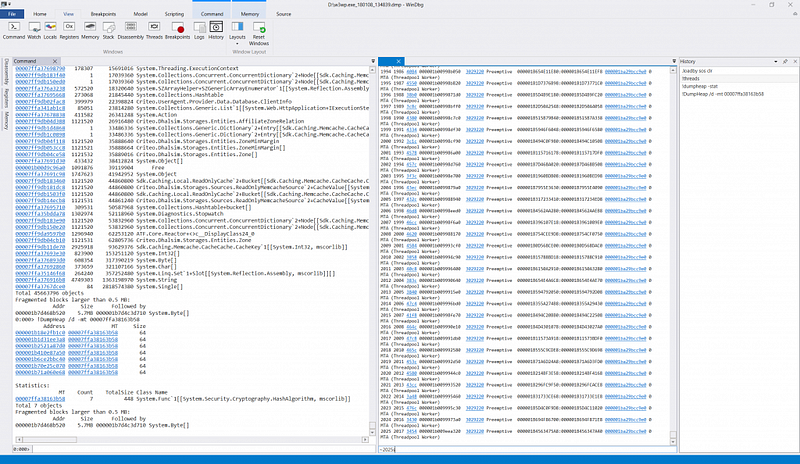
In the first part of the series, we saw how to extend the new WinDbg add a button to the UI, execute, and listen to commands. This time, we will push things a bit farther, and we’re going to add history and multiple editors support. The history feature will allow you to recall an old…
-
ClrMD Part 9 — Deciphering Tasks and Thread Pool items
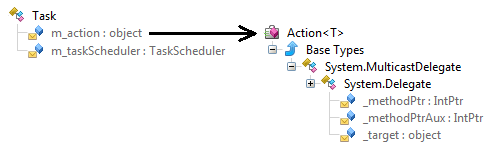
This post of the series shows how to easily list pending tasks and work items managed by the .NET thread pool using DynaMD proxies. Part 1: Bootstrap ClrMD to load a dump. Part 2: Find duplicated strings with ClrMD heap traversing. Part 3: List timers by following static fields links. Part 4: Identify timers callback and other…
-
ClrMD Part 8 — Spelunking inside the .NET Thread Pool
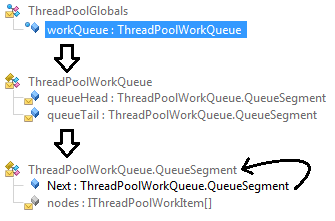
This post of the series shows how to easily list pending tasks and work items managed by the .NET thread pool using DynaMD proxies. Part 1: Bootstrap ClrMD to load a dump. Part 2: Find duplicated strings with ClrMD heap traversing. Part 3: List timers by following static fields links. Part 4: Identify timers callback and other…
-
Extending the new WinDbg, Part 1 — Buttons and commands
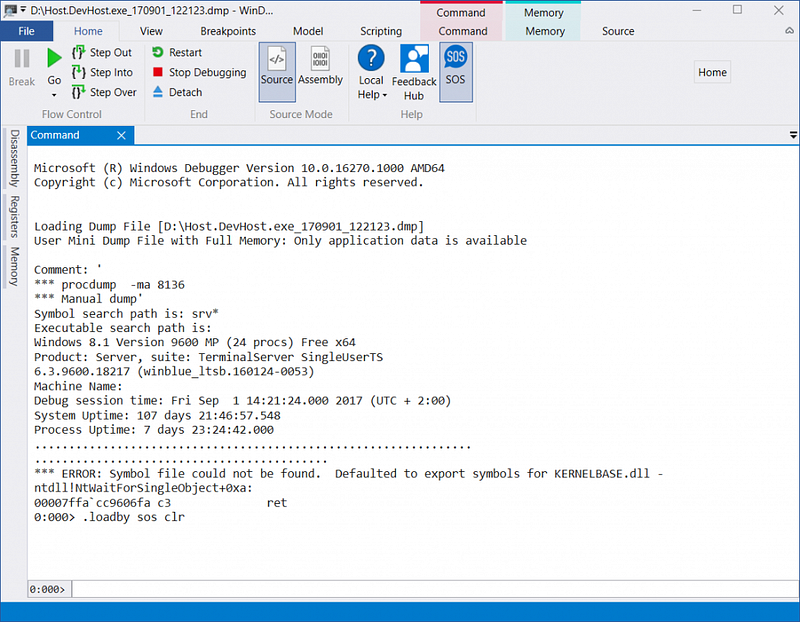
This article is the first of a three-parts series on how to extend the new Windows 10 WinDbg app in order to make your .NET debugging easier and faster. In the first part of the series, you are going to see how to add a button to the ribbon and react to commands. For that, we…
-
ClrMD Part 7 — Manipulate nested structs using dynamic
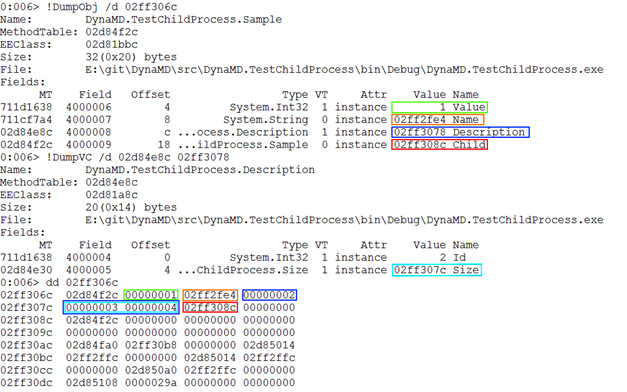
In the previous post of the ClrMD series, we’ve seen how to use dynamic to manipulate objects from a memory dump the same way as you would with actual objects. However, the code we wrote was limited to class instances. This time, we’re going to see how to extend it to structs. The associated code…
-
ClrMD Part 6 — Manipulate memory structures like real objects
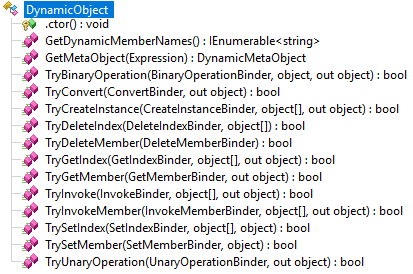
This sixth post of the ClrMD series details how to make object fields navigation simple with C# like syntax thanks to the dynamic infrastructure. The associated code is part of the DynaMD library and is available on GitHub and nuget. Part 1: Bootstrap ClrMD to load a dump. Part 2: Find duplicated strings with ClrMD heap…